
Case Summary Software That Turns Raw Files Into Structured Summaries
Fast Demands AI reads your uploaded case files and builds a complete, attorney-ready Case Summary automatically. Liability details, injury timelines, medical records, and damage chronologies organized in minutes, not hours.
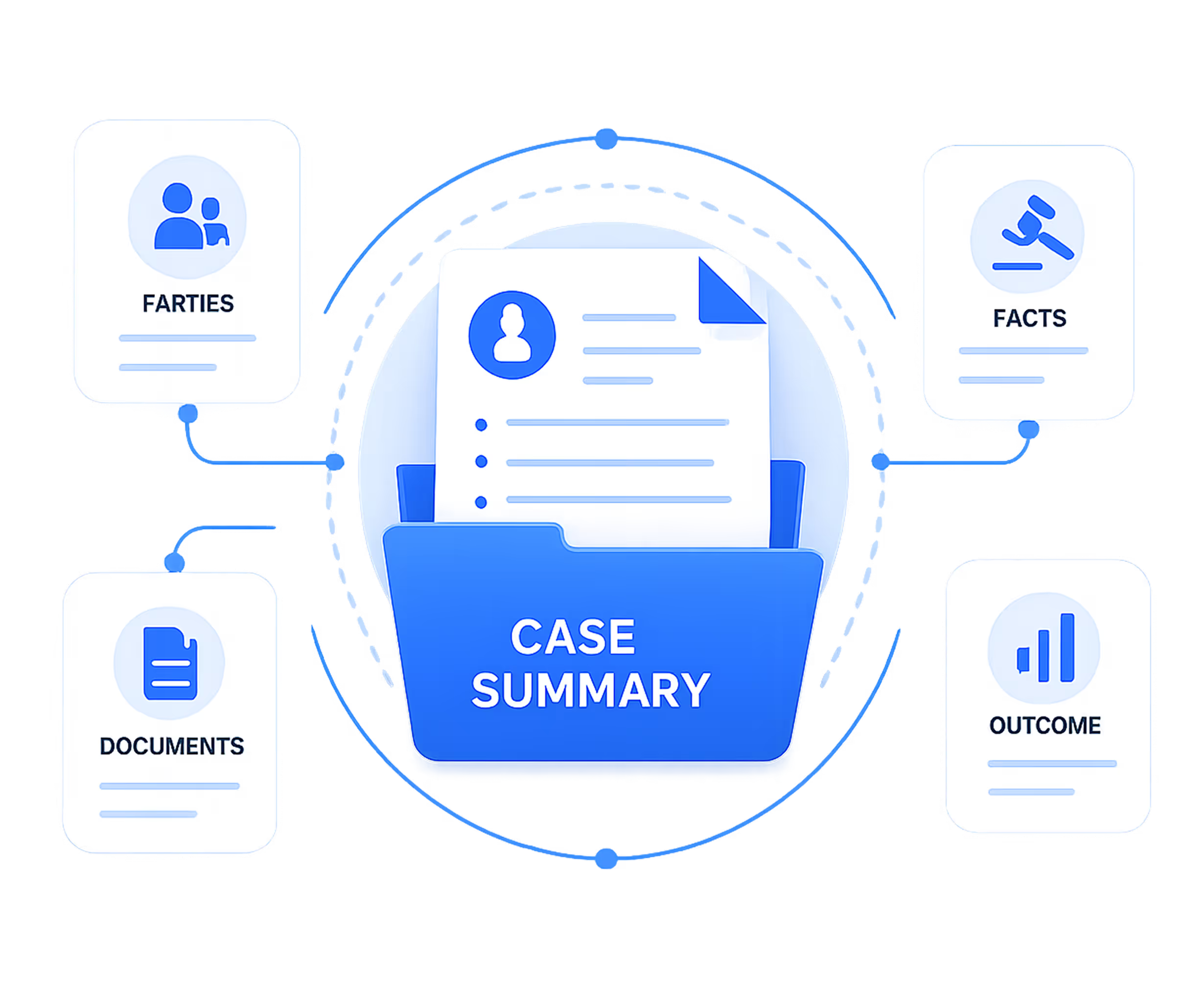

Everything Your Case Summary Needs, Built Automatically.
Fast Demands AI reads every file you upload and organizes the key facts, injuries, treatment timelines, and damages into a clean, structured summary your attorney can use immediately.
What Fast Demands AI Case Summary Software Does
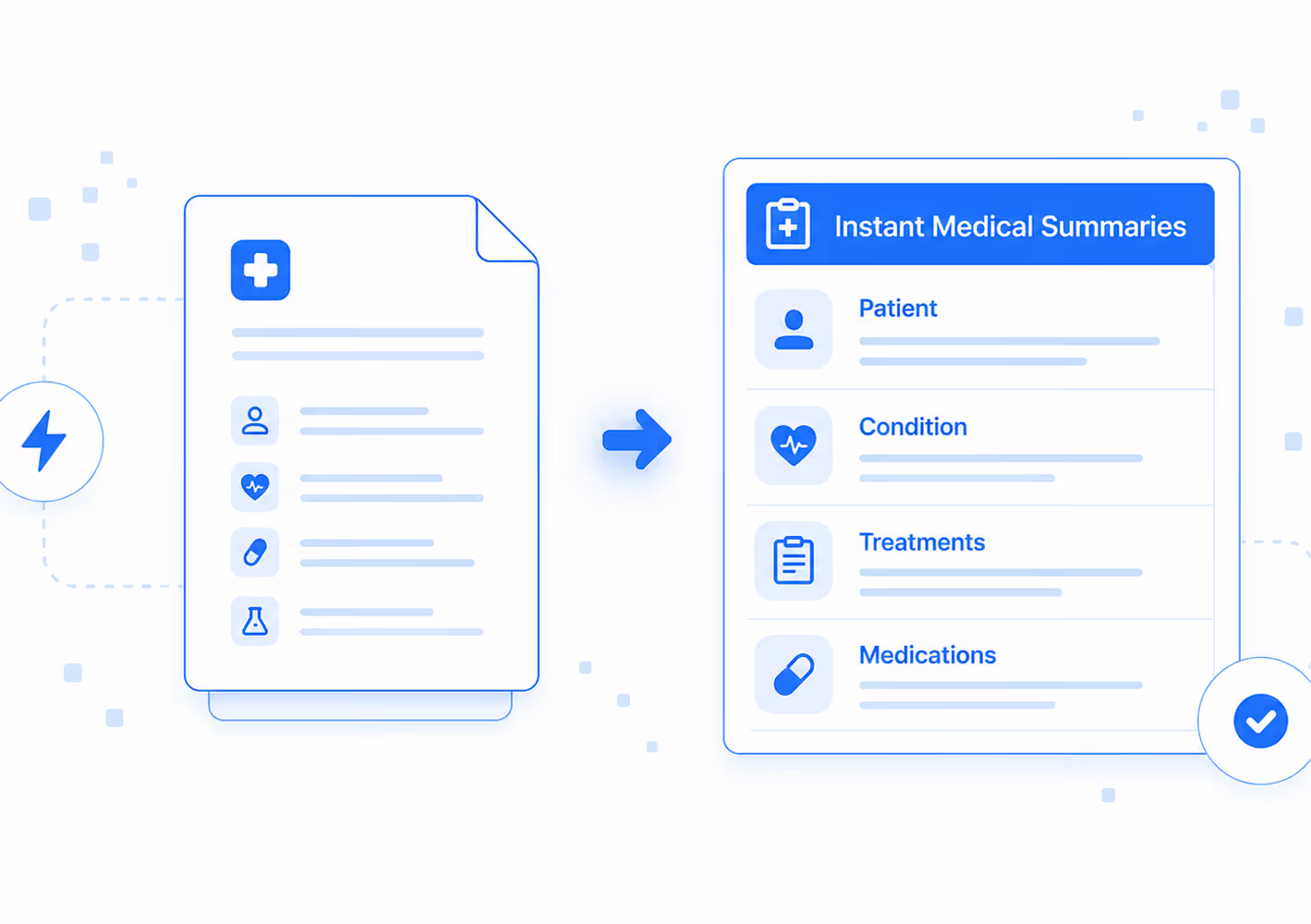
Instant Medical Summaries
Every diagnosis, treatment, procedure, and medical finding pulled from your uploaded records and organized into a structured, clinical summary. Your team stops reading through hundreds of pages and starts reviewing a clean output ready for demand letter use.
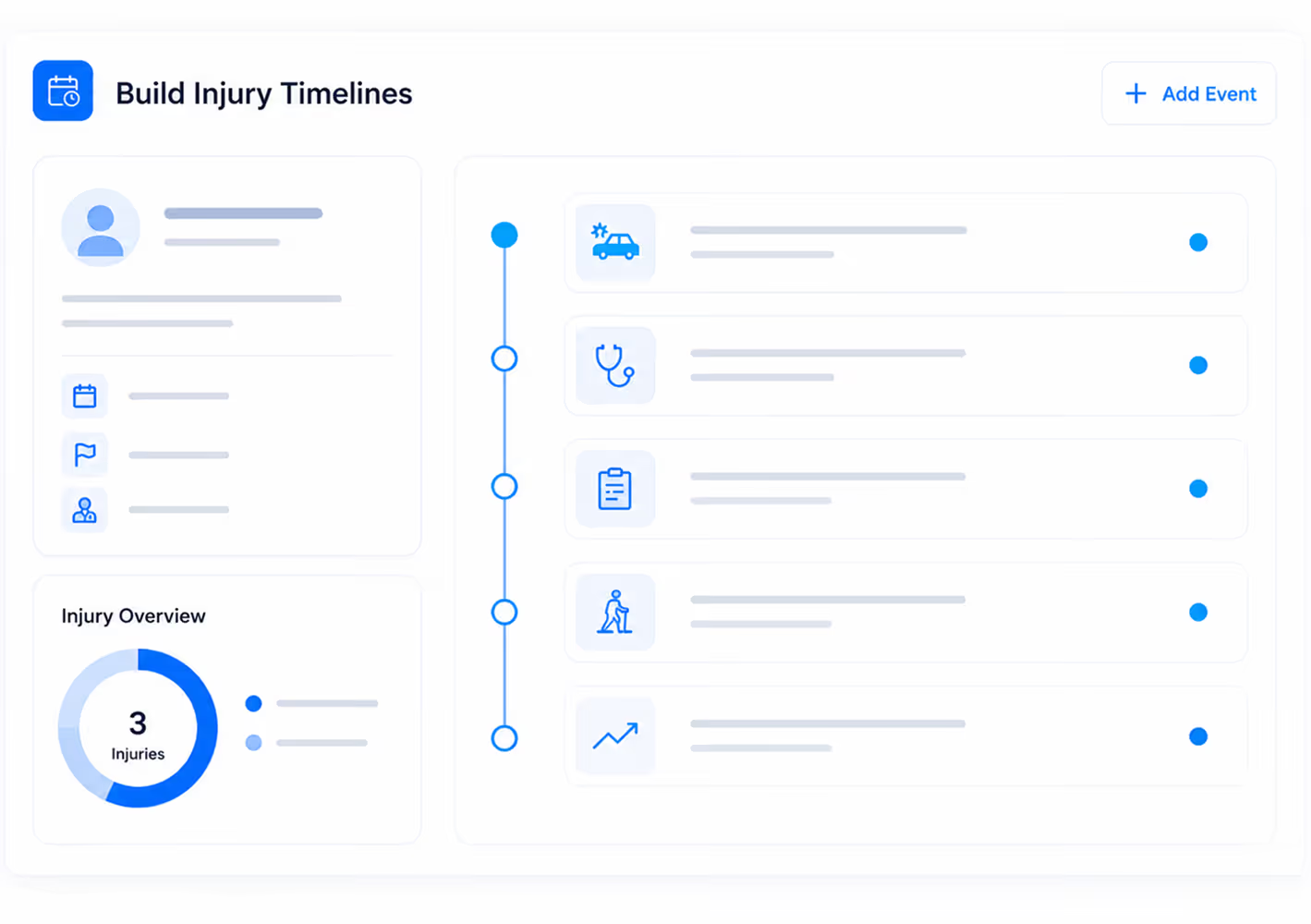
Build Injury Timelines
Fast Demands AI builds a chronological injury timeline from your uploaded records automatically. Date of injury, treatment dates, medical providers, diagnoses, and recovery milestones all organized sequentially without manual work.

Organize Liability Details
Liability facts pulled directly from uploaded police reports, incident reports, and case files. Organized into a clear narrative that supports your demand letter and positions your client's case from the start.
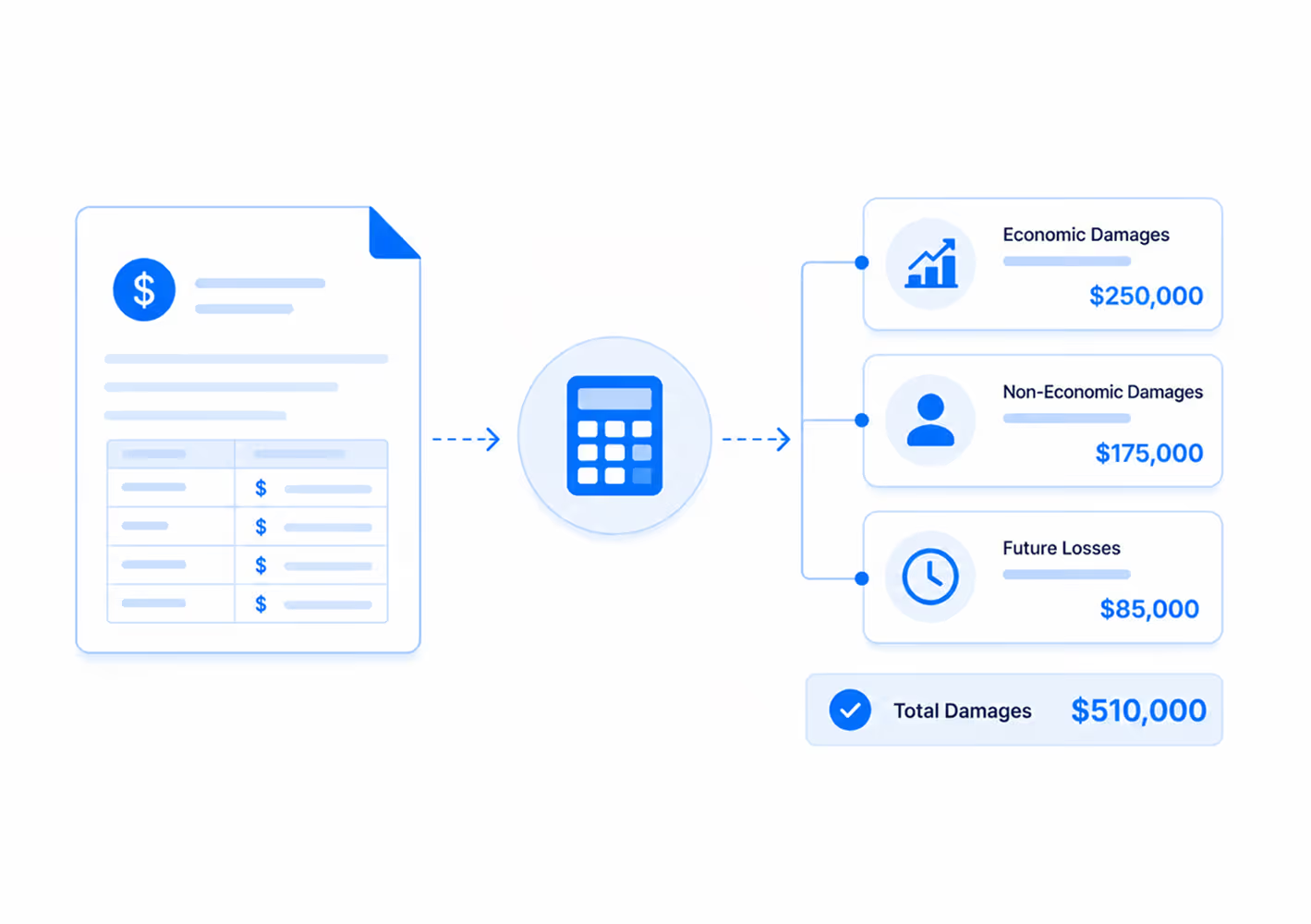
Quantify & Structure Damages
Economic and non-economic damages identified, calculated, and organized into a structured summary. Medical bills, lost wages, pain and suffering, and future costs presented in a format adjusters can review and respond to quickly.
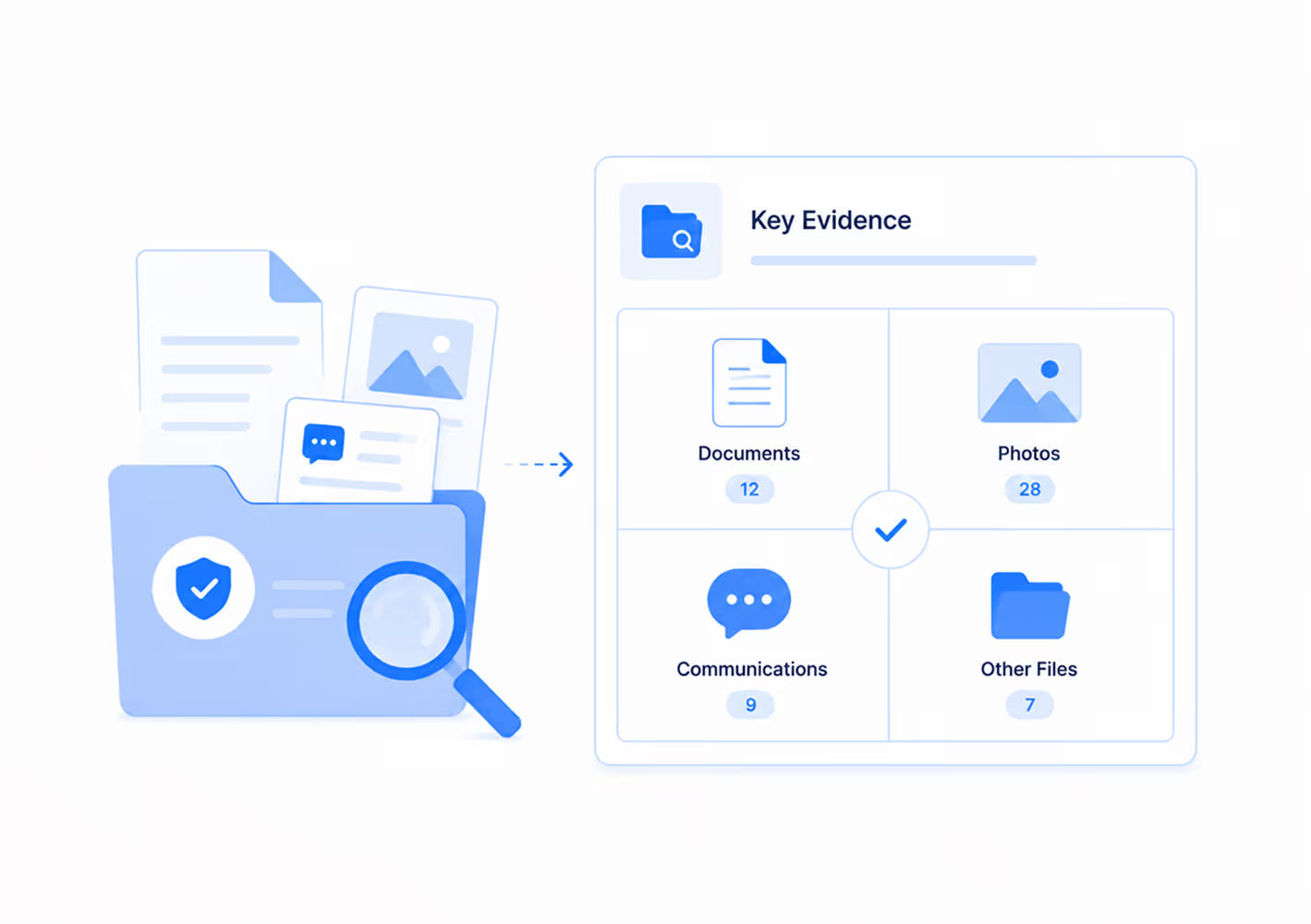
Identify Key Evidence
Fast Demands AI reads your uploaded documents and flags the most important evidence for your case. Nothing gets missed. Every key fact is surfaced and organized before your attorney reviews.
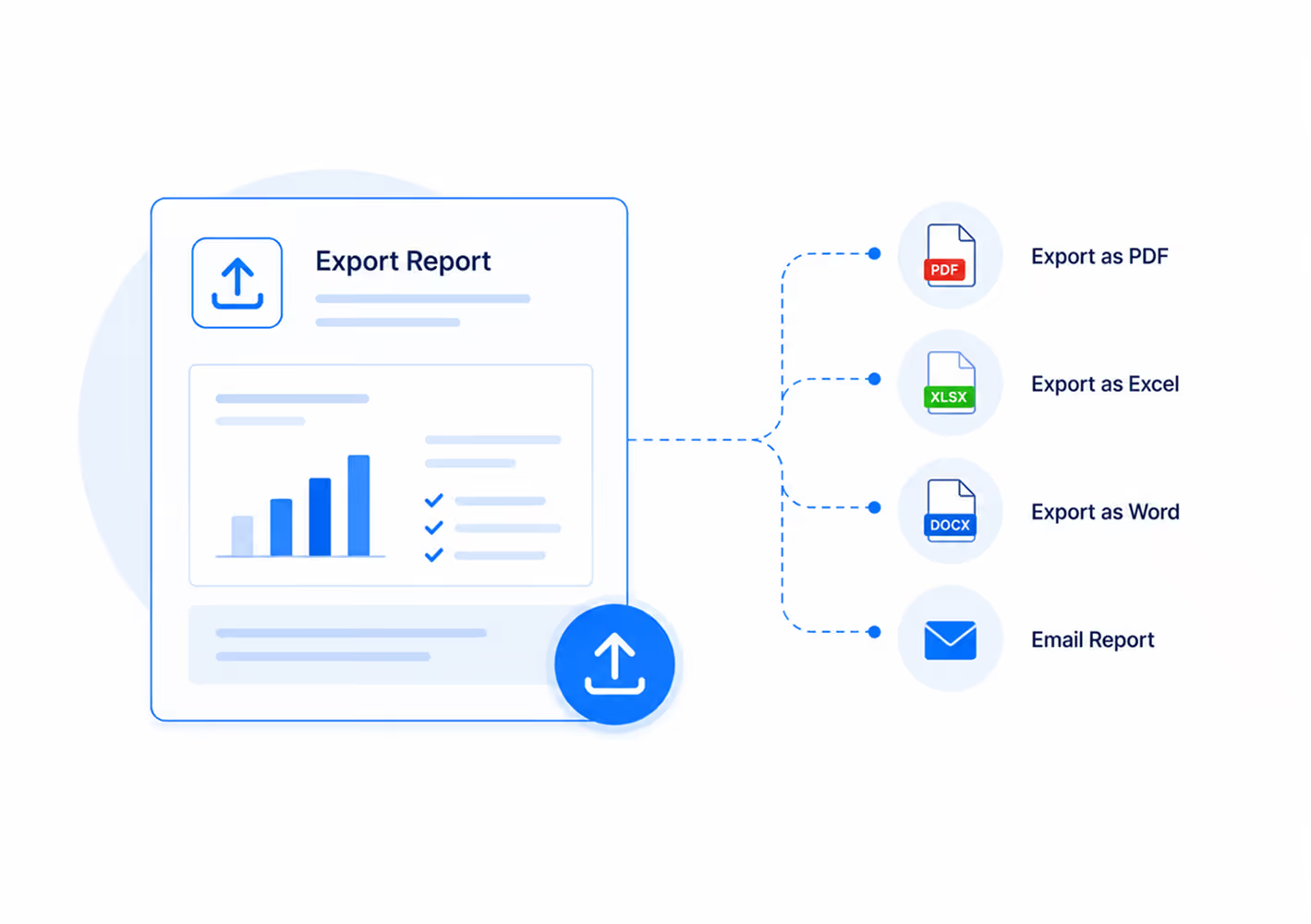
Export in Your Preferred Format
Download your Case Summary in Word or PDF format. Attach it to your demand letter or share it internally. Every output is formatted, structured, and ready to use.
Case Summary AI Capabilities
Auto Processing
Auto Processing
Every uploaded document is processed automatically the moment it arrives. No manual sorting. No waiting for your team to review files before summarization begins.
Protected Information
Protected Information
Every case file and client document is handled with full HIPAA compliance and firm-grade security throughout the entire summarization process.
Review & Correction
Review & Correction
Every AI-generated summary is fully editable. Your attorney reviews the output, makes any necessary corrections, and approves before the summary is used or shared.
Time Savings
Time Savings
Fast Demands AI case summary software handles the heavy lifting so your team focuses on moving cases forward.
Simple Integration with the Tools You Already Use
Connect Fast Demands AI with your existing legal software in one click. Pull case data, documents, and client information directly into your Case Summary workflow.







How Fast Demands AI Case Summary Software Works

Upload Your
Legal Documents
Upload Your Legal Documents
Upload your case files and Fast Demands AI reads every document automatically.

AI Processes & Extracts Key Information
AI Processes & Extracts Key Information
AI pulls the key facts, injuries, timelines, and damages from every uploaded file automatically.

Get Structured Summaries Instantly
Get Structured Summaries Instantly
Your complete case summary is generated and organized in minutes.

Review, Refine,
& Export
Review, Refine, & Export
Your attorney reviews, approves, and downloads in Word or PDF format.
Simple workflow. Maximum efficiency.
Fast Demands AI Case Summary vs. Manual Review
| Feature | Fast Demands AI | Traditional Receptionist |
|---|---|---|
| Time to complete | Minutes | Hours |
| Medical record summary | Automated | Manual |
| Injury timeline | Built automatically | Manual |
| Liability organization | Automated | Manual |
| Damage calculation | Structured automatically | Manual |
| Connection to demand workflow | Direct | Manual re-entry |
| HIPAA compliant | Yes | Depends on your process |

Why Legal Teams Choose Fast Demands AI Case Summary.
Your team spends less time reviewing records and more time moving cases forward.
When your facts, injuries, and damages are structured from the start, your demand is more credible and harder for adjusters to push back on.
Fast Demands AI surfaces every key fact from every document so nothing gets overlooked before your attorney reviews.
Your team handles more volume without adding headcount because the time-consuming work is done automatically.
Common Questions About Fast Demands AI Case Summary
You can upload medical records, police reports, incident reports, bills, repair invoices, and any supporting case files. Fast Demands AI reads and processes every document you upload regardless of length or format.
Fast Demands AI pulls facts, injuries, timelines, and damages directly from your uploaded documents. Your attorney reviews and approves every summary before it is used. The AI does the heavy lifting. Your team makes the final call.
Yes. Your Case Summary feeds directly into the demand letter generation process. Facts, injuries, and damages built in your summary become the foundation of your demand letter automatically.
Most Case Summaries are generated in minutes once your documents are uploaded. The exact time depends on the volume and complexity of your uploaded files.
Yes. Every document uploaded to Fast Demands AI is handled with full HIPAA compliance and firm-grade security. Your client files are protected through every step of the process.
Yes. Every Case Summary is fully editable. Your attorney reviews the output, makes any necessary changes, and approves before the summary is used or shared.

Turn Your Case Files Into Structured Summaries in Minutes
Fast Demands AI gives your firm complete access to Case Summary, Intake, Document Collection, Demand Generation, and Litigation Support in one platform.